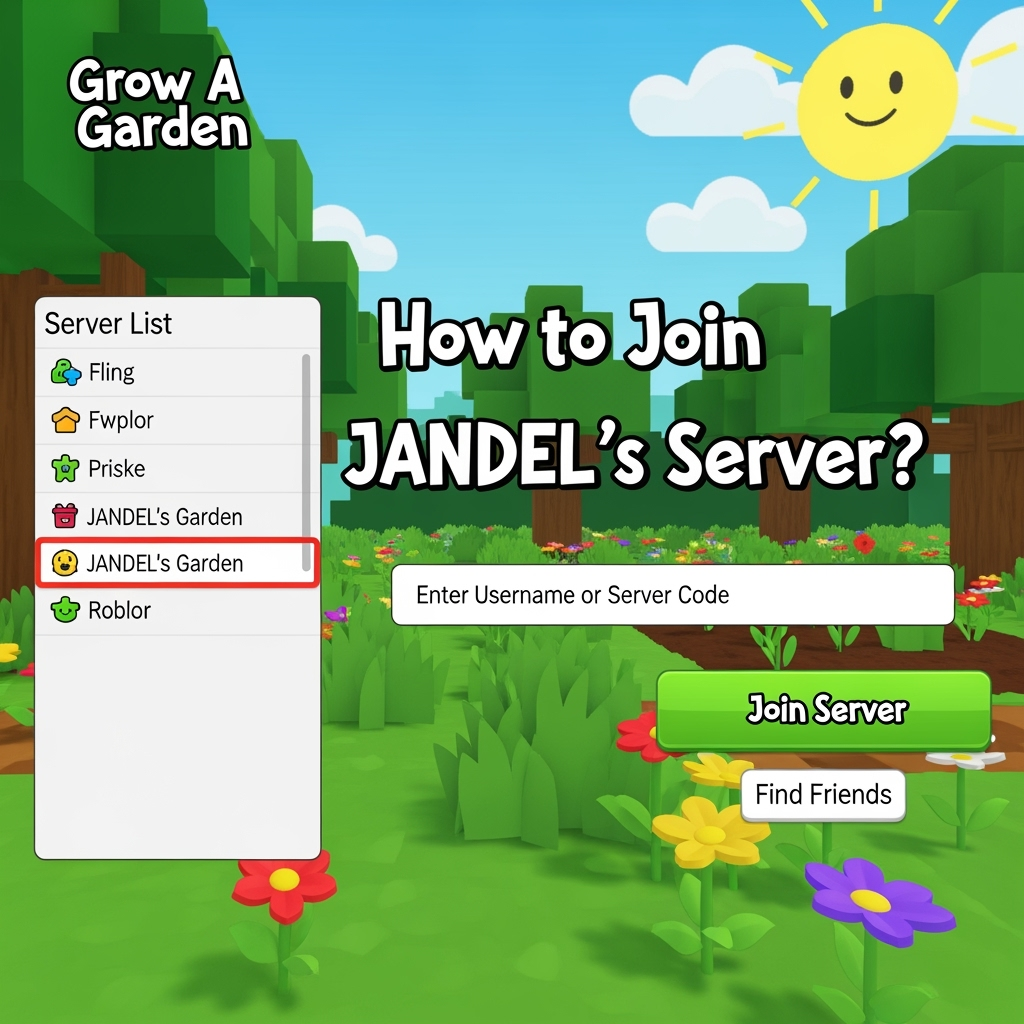
How to Join Server of JANDEL?
How to Join Server of JANDEL?
JANDEL is one of the most popular Roblox content creators and traders. Many players want to join his server to participate in trading, giveaways, and community events. Here's your complete guide to joining JANDEL's server.
What is JANDEL's Server?
JANDEL's server is a Discord community where Roblox players gather to:
- Trade items from popular games like Blox Fruits, Pet Simulator X, and more
- Participate in giveaways and events
- Get trading tips and market updates
- Connect with other traders and players
Step-by-Step Guide to Join
1. Have Discord Ready
First, make sure you have Discord installed:
- Download Discord from discord.com
- Create an account if you don't have one
- Verify your email address
2. Find the Official Server Link
Important: Only join through official links to avoid scams!
- Check JANDEL's YouTube channel description
- Look for pinned comments in his recent videos
- Follow his official social media accounts
3. Join the Server
Once you have the official invite link:
- Click the invite link
- Accept the server rules
- Complete any verification process
- Read the welcome message and rules
4. Verify Your Account
Most trading servers require verification:
- Link your Roblox account
- Complete captcha verification
- Read and accept server rules
- Wait for verification approval (if manual)
Server Rules and Guidelines
Common Rules in JANDEL's Server:
- No scamming - Zero tolerance policy
- Respect all members - Be kind and helpful
- Use correct channels - Trade in trading channels only
- No spam - Don't flood chat with messages
- Follow Discord ToS - Must be 13+ years old
Trading Guidelines:
- Use middleman services for big trades
- Screenshot everything for proof
- Check values before trading
- Report suspicious activity immediately
What to Do After Joining
1. Read All Rules
- Check pinned messages in each channel
- Understand trading guidelines
- Learn about server-specific commands
2. Set Up Your Profile
- Add your Roblox username
- Set appropriate nickname
- Choose relevant roles if available
3. Start Participating
- Introduce yourself in welcome channel
- Browse trading channels
- Participate in community events
- Ask questions in help channels
Trading Tips for New Members
Before You Trade:
- Check item values using trading websites
- Verify the trader - check their reputation
- Use screenshots for proof of agreements
- Never go first unless using official middleman
Red Flags to Avoid:
- Traders asking you to go first
- Deals that seem too good to be true
- Users with new accounts or no reputation
- Anyone asking for passwords or personal info
Alternative Ways to Connect
If you can't find the server link:
Official Channels:
- YouTube: Check video descriptions
- Twitter/X: Follow for updates
- Instagram: Official announcements
- TikTok: Sometimes posts invite links
Community Resources:
- Ask in other Roblox trading communities
- Check Roblox trading forums
- Look for official announcements
Troubleshooting Common Issues
Can't Join the Server?
- Server might be at member limit
- You might be banned from similar servers
- Check if you meet age requirements
- Ensure your Discord account is verified
Verification Problems?
- Make sure your Roblox profile is public
- Check if you're using the correct username
- Wait for manual verification if required
- Contact server moderators for help
Safety Tips
Protect Yourself:
- Never share passwords or account details
- Use official middleman services only
- Screenshot all trade agreements
- Report scammers immediately
Avoid Scams:
- Don't click suspicious links
- Verify all trade details before accepting
- Use trusted trading platforms
- Be cautious of "too good to be true" offers
Conclusion
Joining JANDEL's server can be a great way to connect with the Roblox trading community. Remember to always prioritize safety, follow server rules, and be respectful to other members.
Happy trading, and welcome to the community!
Disclaimer: Always verify official links and be cautious of scams. This guide is for educational purposes only.