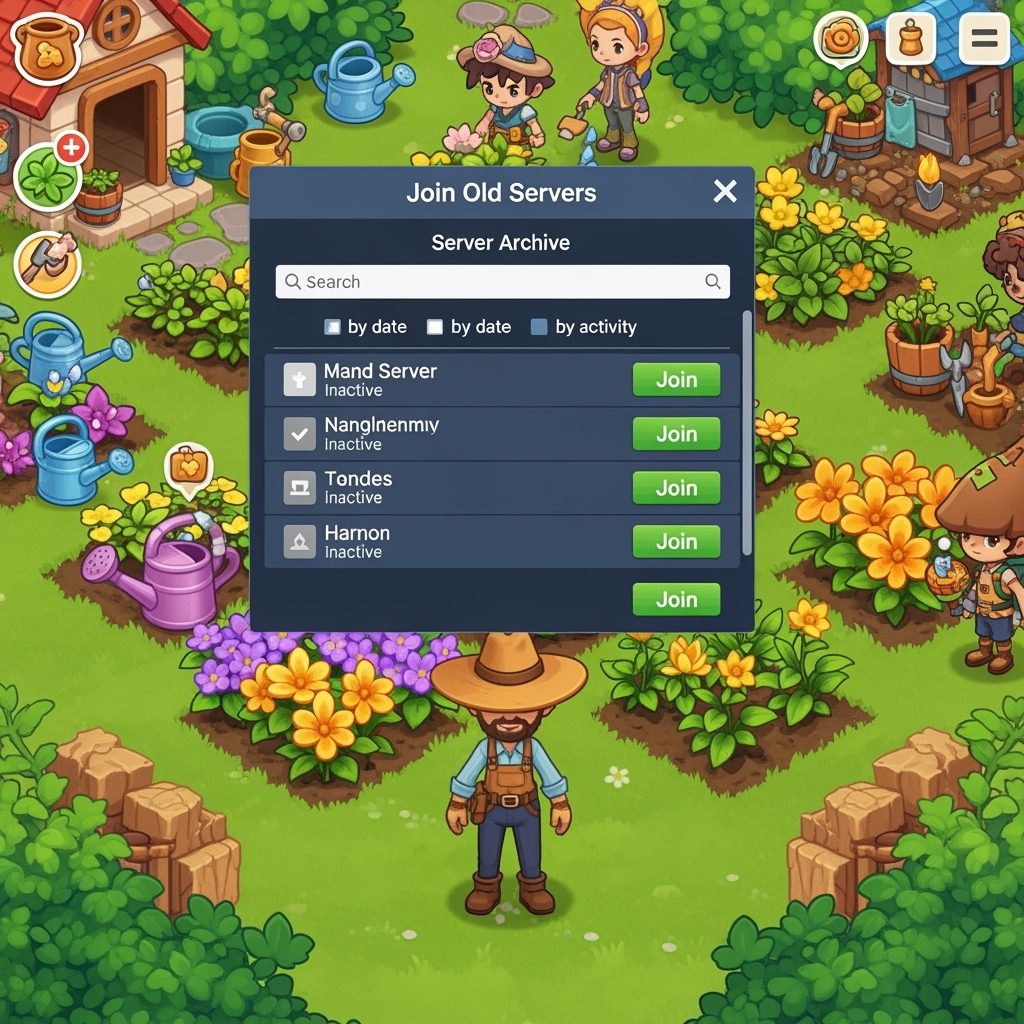
How To JOIN OLD SERVERS in Grow A Garden!
How To JOIN OLD SERVERS in Grow A Garden!
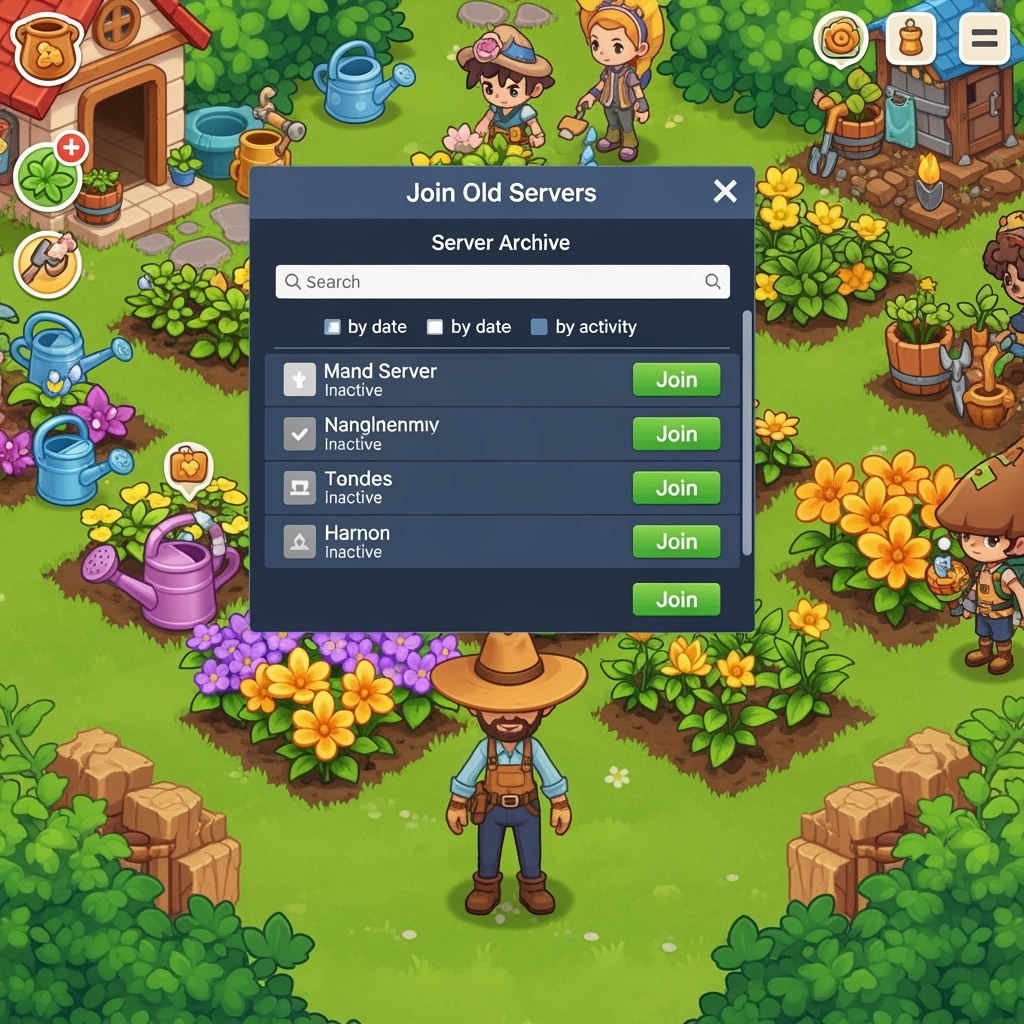
If you're a fan of Grow A Garden on Roblox, you know how addictive this relaxing farming simulator can be. Cultivating plants, decorating your plot, and competing for rare seeds is all part of the fun. But sometimes, jumping into a fresh server means dealing with crowded shops, high competition, and limited resources. That's where old servers come in handy—they're long-running instances with restocked seed shops, fewer players, and often better performance. These servers can give you a significant edge, whether you're hunting for rare items during events like Easter, Blood Moon, or Twilight, or just want a peaceful farming session.
In this guide, we'll break down why old servers are worth seeking out and share proven methods to join them. Note that "old servers" here refer to public servers that have been active for a while, not legacy versions of the game—Roblox automatically updates all servers, so beware of scams promising access to outdated builds.
Why Join Old Servers in Grow A Garden?
Before we dive into the how-to, let's talk about the benefits:
- Restocked Seed Shops: Older servers often have more items available in the shop since fewer players are around to buy them up. This is crucial for progressing quickly and grabbing rare seeds.
- Lower Competition: With 1-5 active players (or even AFK ones), you'll face less rivalry for resources, watering spots, and harvests. It's perfect for solo farming or testing new strategies.
- Reduced Lag: Smaller player counts mean smoother gameplay and faster loading times.
- Potential for Special Opportunities: Occasionally, these servers might retain event remnants or glitches like seed duplications, though this isn't guaranteed and can vary.
On the flip side, finding them requires some patience, as there's no official "old server" filter on Roblox.
Method 1: Manual Server Browsing (The Basic Way)
This is the simplest approach and doesn't require any extra tools. It's all about persistence and checking the server list.
- Head to the official Grow A Garden page on Roblox.
- Scroll down to the "Servers" section at the bottom of the page.
- Click "Load More Servers" repeatedly to expand the list—keep going until you've loaded dozens or even hundreds.
- Look for servers with low player counts, ideally 1-5 players. These are more likely to be older, long-running ones where players have come and gone.
- Join one and check the in-game state: If the seed shop is well-stocked or you spot signs of extended play (like mature gardens), you've hit an old server.
Tip: Try this right after an update or during off-peak hours for better chances of finding low-pop servers. Avoid the top-listed ones, as they're usually newer.
Method 2: Using Browser Extensions for Advanced Filtering
For a more efficient hunt, install free Roblox browser extensions like RoPro, BTRoblox, or Roblox+. These tools enhance the server browser with sorting options.
- Download and install a compatible extension from the Chrome Web Store (or equivalent for your browser).
- Go back to the Grow A Garden Roblox page and open the Servers tab.
- Use the extension's filters to sort by:
- Player count (lowest first).
- Uptime or ping (look for higher uptime if available).
- Region or other metrics to narrow it down.
- Select and join servers matching your criteria—aim for those with minimal activity.
These extensions make the process less trial-and-error, but always download from trusted sources to avoid security risks.
Method 3: Private Servers for Controlled Play
If public old servers are eluding you, consider private servers. In Grow A Garden, they're free to create, unlike many other Roblox games.
- On the game page, go to the Servers tab.
- Click "Create Private Server" (no Robux required).
- Customize access and invite friends if desired.
- Play in isolation or with a small group—over time, your private server can "age" naturally, mimicking an old server's benefits like restocked shops without competition.
You can also join existing private servers via links shared in communities, but only use trusted ones to avoid scams.
Warnings and Tips
- Avoid Scams: Anyone selling "old server" access or claiming glitch methods to old versions is likely trying to scam you. Roblox enforces updates across all servers.
- Server Signs: Once in-game, look for indicators like AFK players, fully stocked shops, or lingering event elements to confirm it's "old."
- Refresh Often: Server lists change quickly, so refresh your browser and check regularly.
- Combine with Game Strategies: Use old servers to farm efficiently, then hop back to public ones for social interactions.
Conclusion
Joining old servers can transform your Grow A Garden experience, making progression faster and more enjoyable. Give these methods a try, and happy gardening! If you have your own tips, share them in the comments below.
Whether you're a casual player looking for a peaceful farming session or a dedicated grower hunting for rare seeds during special events, these techniques will help you find the perfect server for your needs. Remember to be patient and persistent—the best old servers are worth the search!